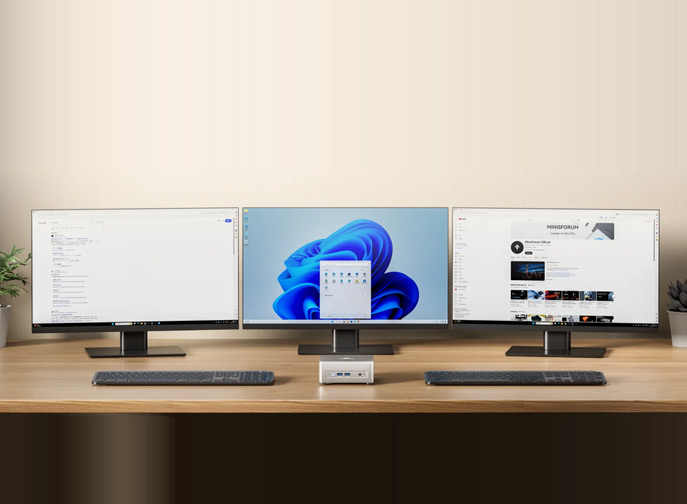
Workstations
( number of products: 31 )


Processor, memory, drives – series comparison
The table shows the platform capabilities and variants available in the catalog. It does not mean that every computer has the maximum amount of RAM or all the listed drives.
| Feature | MS-A2 | MS-01 | MS-02 Ultra | MS-03 | MS-S1 MAX | MS-R1 |
|---|---|---|---|---|---|---|
| Processors in our offer | AMD Ryzen 9 7945HX or 9955HX | Intel Core i5-12600H, i9-12900H or i9-13900H | Intel Core Ultra 5 235HX, Ultra 9 275HX or 285HX | Intel Core Ultra 5 336H or Ultra 9 386H | AMD Ryzen AI Max+ 395 | ARM CIX CP8180, 12 cores and 12 threads. |
| RAM expansion options | 2 DDR5 SO-DIMM slots, up to 96 GB | 2 DDR5 SO-DIMM slots | 4 DDR5 SO-DIMM slots, up to 256 GB | 2 DDR5 SO-DIMM slots, up to 128 GB | 64 or 128 GB LPDDR5x-8000 in the offered sets; soldered memory, no SO-DIMM slots. | In the offered versions: 32 GB LPDDR5-5500. Platform capacity up to 64 GB depends on the variant; we do not declare replacement of SO-DIMM modules. |
| Drive slots | 3 slots for NVMe SSDs; U.2 and M.2 22110 support | 3 slots for NVMe SSDs; U.2 support via adapter | 235HX/275HX: 2 M.2 slots; 285HX: 4 M.2 slots | 3 M.2 slots: 2 × PCIe 5.0 and 1 × PCIe 4.0; U.2 option via adapter | 2 M.2 NVMe slots: PCIe 4.0 x4 and PCIe 4.0 x1. The offers include an installed 2 TB SSD. | Main M.2 2280/22110 NVMe PCIe 4.0 x4; additional options via adapters. Offers: without SSD or with a 1 TB SSD. |
| Wired network | 2 × 10GbE SFP+ and 2 × 2.5GbE RJ45 | 2 × 10GbE SFP+ and 2 × 2.5GbE RJ45 | 10GbE and 2.5GbE RJ45; 285HX additionally 2 × 25GbE | 2 × 10GbE SFP+, 1 × 10GbE RJ45 and 1 × 2.5GbE RJ45 | 2 × 10GbE RJ45, USB4 and USB4 V2; infrastructure and devices must support the selected speeds. | 2 × 10GbE RJ45, Wi-Fi 6E and Bluetooth 5.3. |
| PCIe expansion | PCIe x16 slot; before buying a card, check the supported dimensions and operating mode | PCIe 4.0: physically x16, electrically up to x8; low-profile, single-slot card | 3 PCIe slots; in 285HX, one is occupied by the factory 25GbE card | Physical PCIe x16 slot for low-profile cards; match the dimensions and power consumption to the specification | Physical x16 slot operating in PCIe 4.0 x4; card compatibility also depends on dimensions and power supply. | Physical x16 slot operating in PCIe 4.0 x8. Compatible ARM drivers are needed for the selected card. |
| RAM and SSD variants in the catalog | RAM: 64 GB 5600 MHz DDR5 / 32 GB 5600 MHz DDR5 / No RAM / 32 GB 5200 MHz DDR5 SSD: 1 TB M.2 PCIe 4.0 SSD / No drive Also RAM + SSD configurator. |
RAM: 32 GB 5200 MHz DDR5 / 64 GB 5200 MHz DDR5 / No RAM SSD: 1 TB M.2 PCIe 4.0 SSD / 1 TB M.2 PCIe 3.0 SSD / No drive / 2 TB M.2 PCIe 4.0 SSD Also RAM + SSD configurator. |
RAM: No RAM / 32 GB 5600 MHz DDR5 / 32 GB 4800 MHz DDR5 SSD: No drive / 1 TB M.2 PCIe 4.0 SSD Also RAM + SSD configurator. |
RAM: 32 GB 5600 MHz DDR5 / No RAM SSD: 1 TB M.2 PCIe 4.0 SSD / No drive |
RAM: 128 GB 8000 MHz LPDDR5X / 64 GB 8000 MHz LPDDR5X SSD: 2 TB M.2 PCIe 4.0 SSD |
RAM: 32 GB 5500 MHz LPDDR5 SSD: No drive / 1 TB M.2 PCIe 4.0 SSD |
MS-02 Ultra: pay attention to the processor. ECC, vPro and the factory card with two 25GbE ports apply to the 285HX version. The 235HX and 275HX versions have a different M.2 slot and network configuration.
How to read RAM and SSD? “No RAM” and “No drive” mean components to be purchased separately. Check the capacity of installed components and the operating system in the selected offer. The number of slots, PCIe generation and U.2 support describe expansion; a U.2 drive may require an adapter and occupy an M.2 slot.
For virtual machines, compare RAM, processor and LAN ports first. For local AI, also check memory available to the GPU and tool compatibility; in the main category you will also find the MS-S1 MAX series. ARM MS-R1 computers require a separate check of system, application and driver compatibility.
Compact workstations for work, virtualization and local AI
Minisforum workstations let you build a workstation for programming, design, working with video materials or data analysis in a small case. When choosing, the requirements of the programs you use matter: processor, amount of RAM, graphics capabilities and drive space.
In this category you will find various designs, from expandable MS series computers to models with large shared memory for local AI. Networking, expansion and monitor connection capabilities depend on the specific model and configuration.
Programming, CAD and content creation
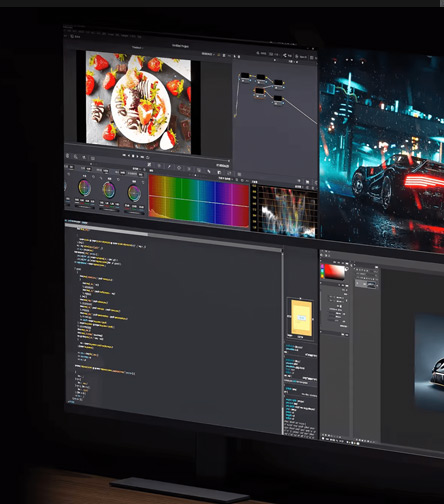
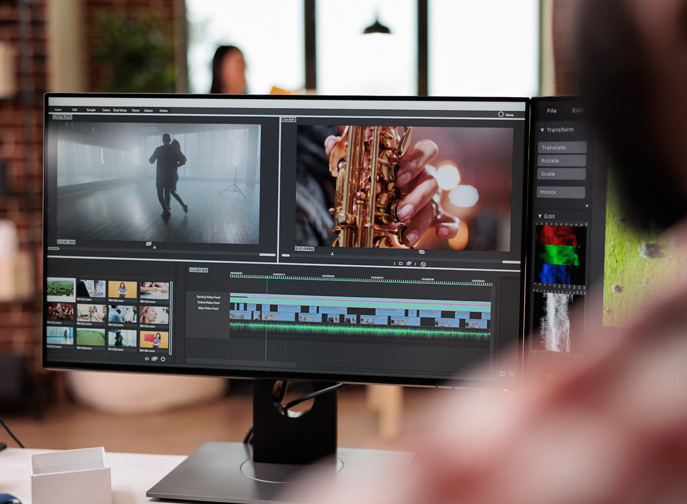
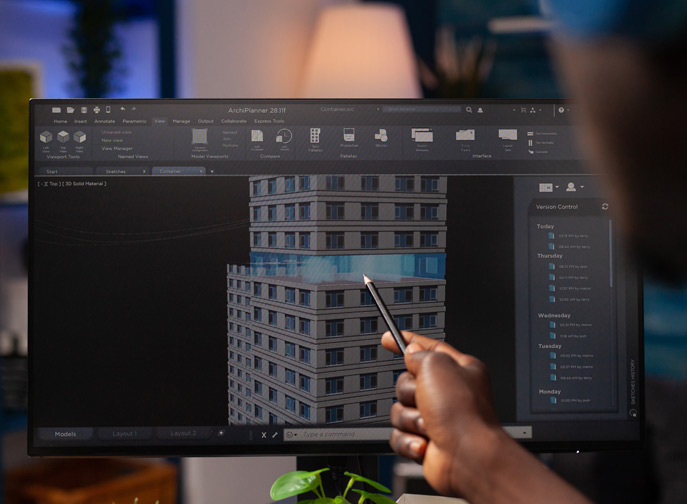
For code compilation, working with large projects and multitasking, it is worth choosing a powerful processor and the right amount of RAM. In CAD, 3D graphics and video editing applications, the graphics system and software compatibility are also important. For demanding rendering or video effects, check the program requirements and the available options for using a dedicated graphics card.
RAM, NVMe drives and expansion options
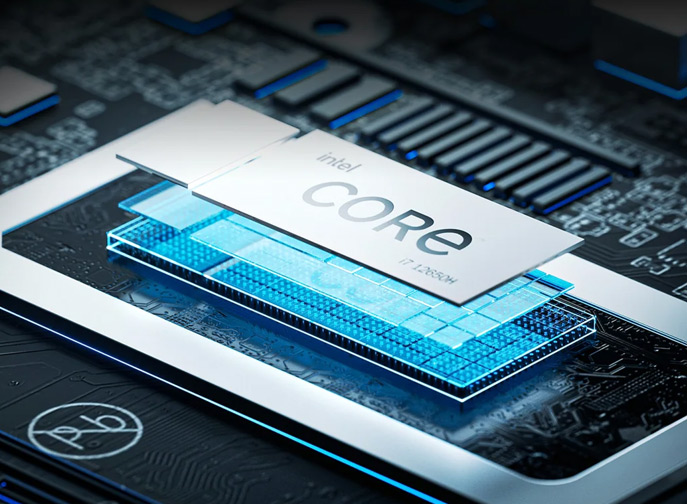
Selected workstations offer replaceable RAM modules, several NVMe drive slots or a PCIe connector for an additional card. Before purchase, check the number of slots, supported drive formats, and the dimensions and power limit of the expansion card. In models with soldered memory, the amount of RAM should be selected at the time of purchase.
Virtualization, home lab and fast network
A compact workstation can be used to run virtual machines, containers and services in a home lab. Match the number of cores, RAM and storage space to the planned workload and check compatibility with the selected virtualization system. 2.5GbE or 10GbE ports, available in selected models, make it easier to exchange large files with a NAS server; full speed requires suitable network infrastructure.
Local AI and a multi-monitor workstation
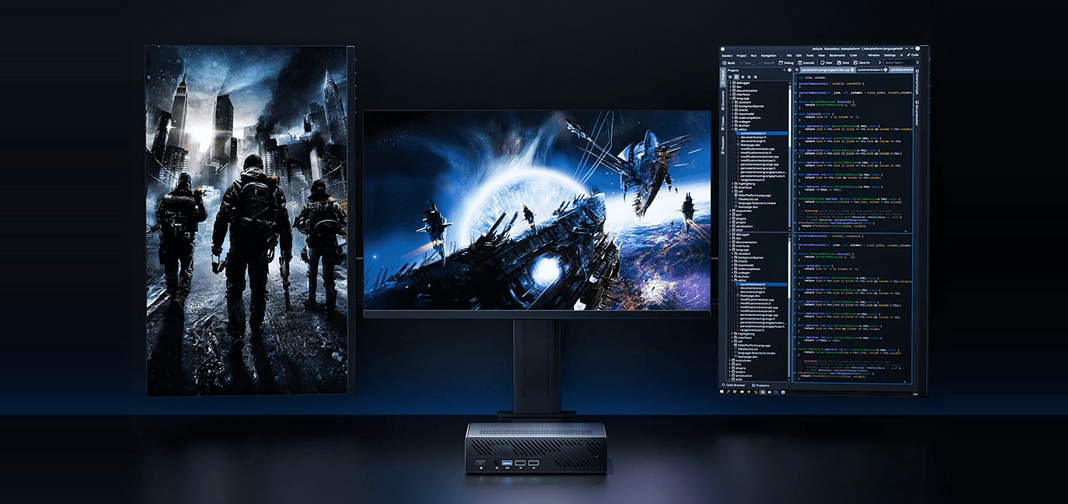
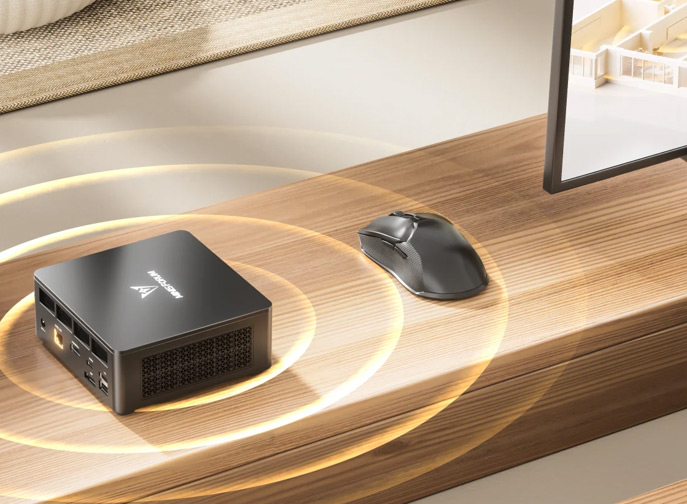
When working with local AI models, memory available to the graphics, supported tools and model size are important. Designs such as Minisforum MS-S1 MAX can be considered for these tasks, but performance depends on the configuration, program and model settings. For work with multiple monitors, check the number of video outputs, supported resolutions and refresh rates.
Barebone or a configuration with RAM and SSD?
The barebone 0+0 version lets you choose RAM and an SSD yourself. A configuration with installed components reduces the number of items that need to be purchased separately; check whether an operating system is included in the given offer. The small case saves desk space, but it needs free airflow. Temperature, noise and performance under long load depend on the model, settings and working conditions.