

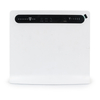
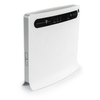
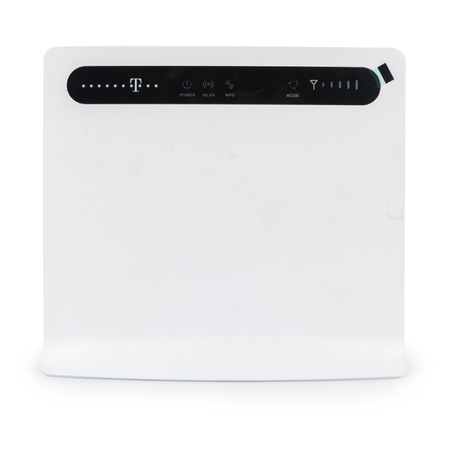
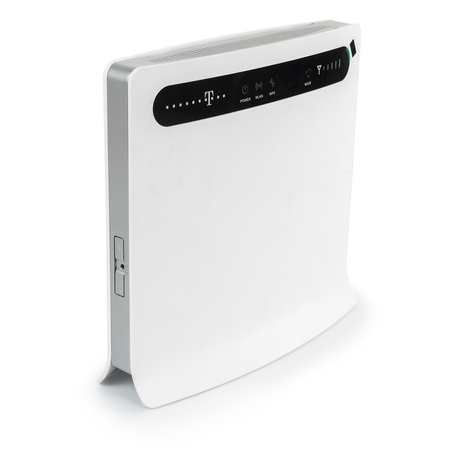
Router Huawei, B593, 3G/4G, LTE 100Mbps, WiFi, LAN, Ethernet, 802.11n, WLAN, AP, WISP, PPPoE, WPA/WPA2, VoIP
Huawei B593 router allows data download in LTE technology at speeds of up to 100 Mb/s. This translates into lightning-fast website loading, comfortable online video watching, or listening to music via streaming services.
Files will download in the blink of an eye. The Huawei B593 router enables signal delivery for 32 users at the same time. Therefore, it is an excellent device not only for home use, but also for the needs of a medium-sized company.
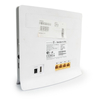
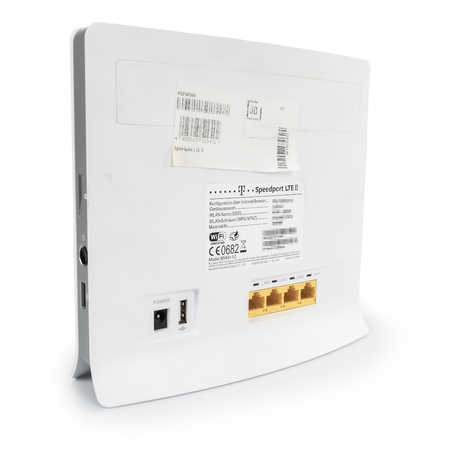
The device allows connecting 4 additional devices using a standard LAN port. This functionality is perfect when you often work in the field and need to share mobile internet with several devices at the same time. 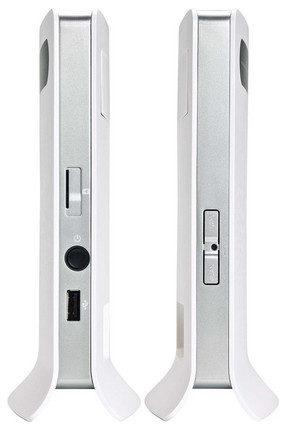
The router has two SMA connectors on the rear panel (under the flap) for connecting antennas to boost the signal. The Huawei B593 router is equipped with 2 USB ports that allow you to connect, for example, a printer, scanner, or external drive. This is another feature that makes work easier. Operating the router is extremely simple. Just insert a SIM card into the built-in reader and set the network parameters. All configuration activities can be performed by the user from a web browser at the device IP address (192.168.1.1) or at https://speedport.ip The remaining data required for logging in can be found on the rear housing of the router. 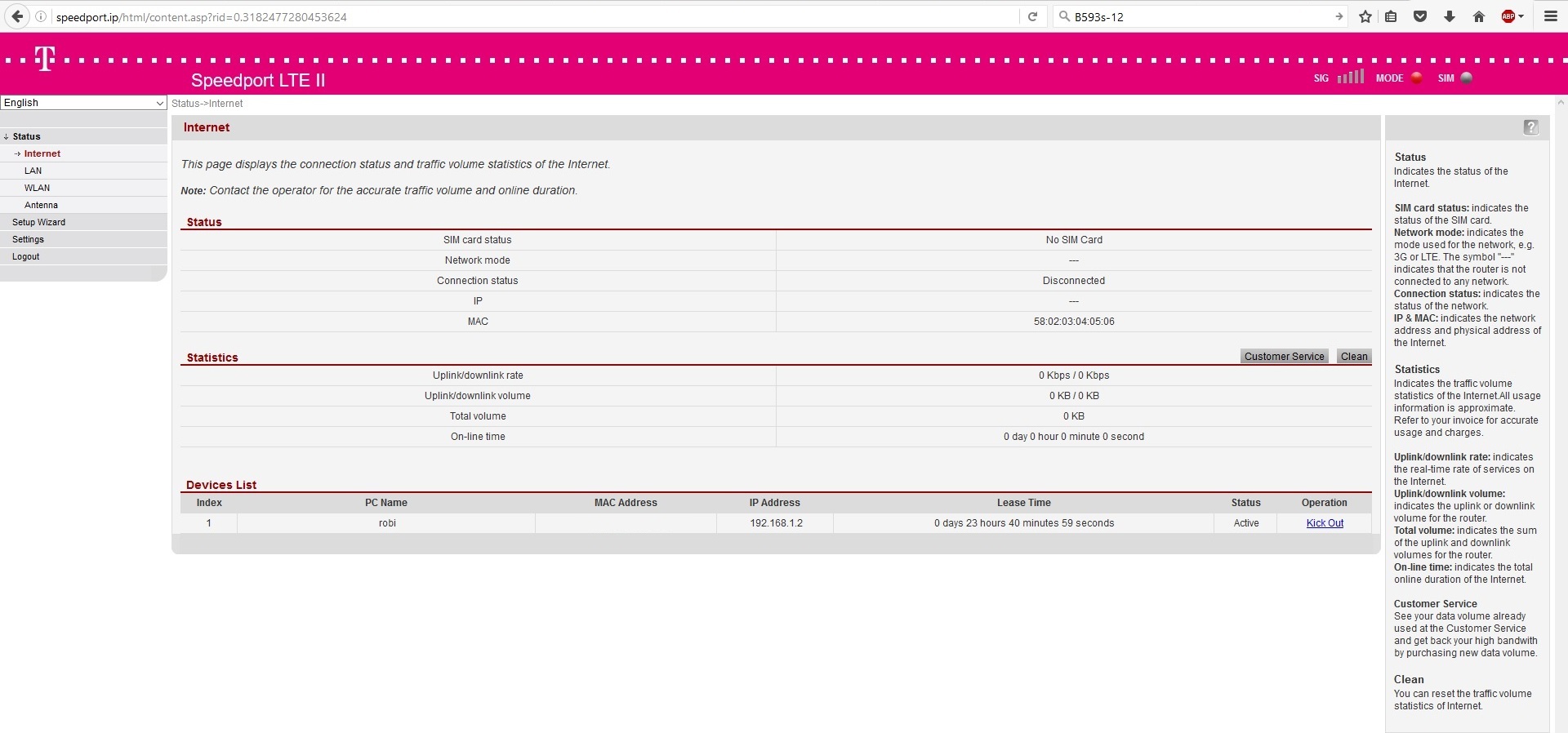
The configuration panel is available ONLY in English and German: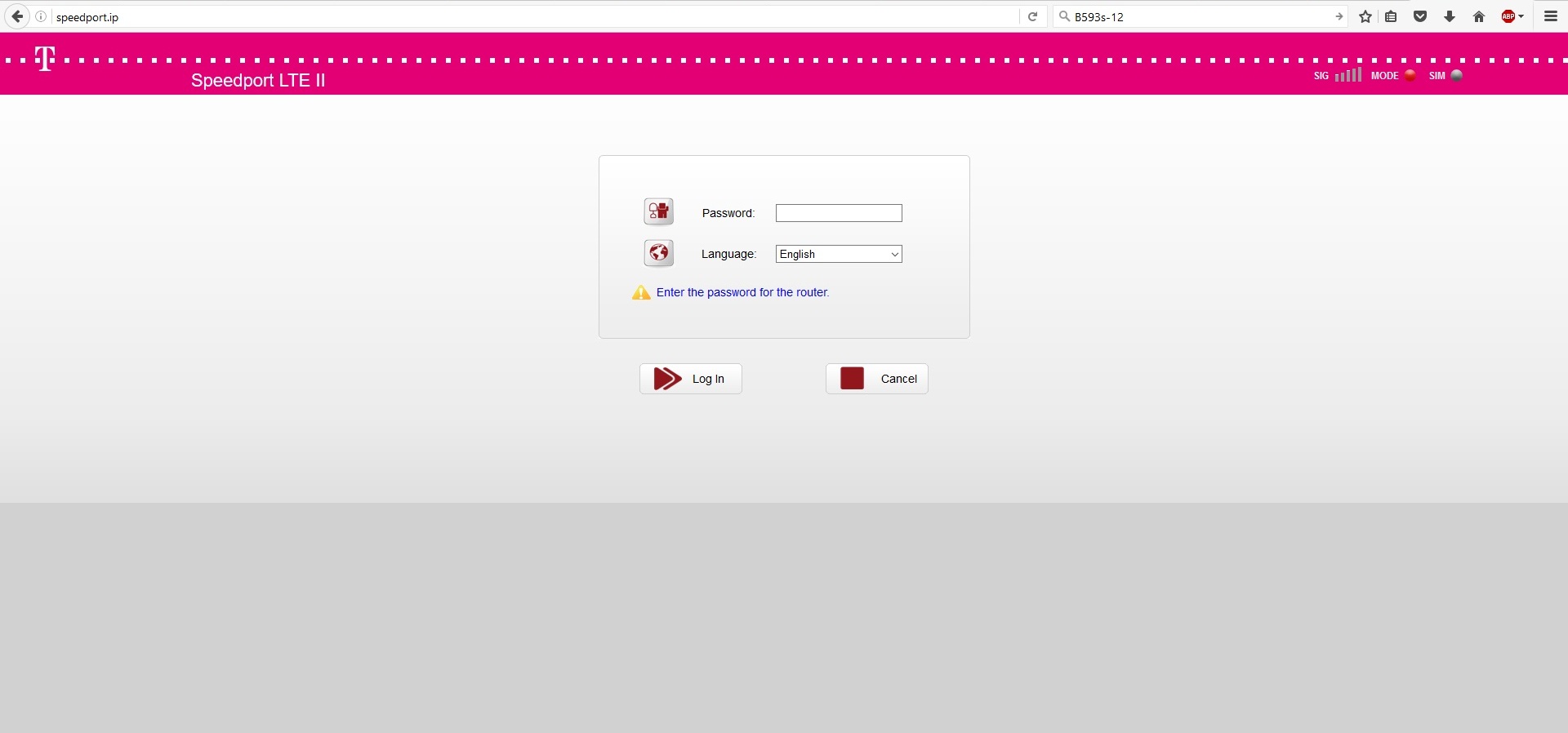
If the password on the back does not work, the device must be reset. The reset is performed by holding the RESET button for 20 seconds, or by pressing the RESET button 9 times cyclically. After performing the reset, once the device address is entered, we will be asked to enter a new password. 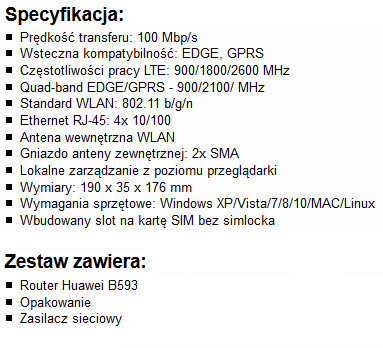
Router in REFURBISHED version (renewed by the manufacturer's authorized service in Germany), 12-month warranty. Visual condition very good, the router may have slight scratches and discoloration on the housing. 100% operational, no simlock.
The router is configured by default for the German operator Telekom.
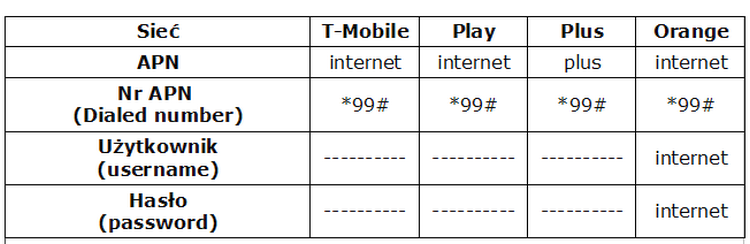
To work properly, APN data for the appropriate network must be entered manually.
Configuration is not necessary if the user's network is T-Mobile. APN data: